Posts

Remove Old Drivers After Upgrading to New Hardware

http://www.wisecleaner.com If you are experiencing weird issues after upgrading your hardware, or you’ve just upgraded to the latest hardware device and aren’t seeing the performance you’d like, you might want to remove the old drivers which are still installed for the old hardware, even though you can’t normally see them in device manager. What you have to do is set a less-known flag to allow you to see non-present devices, and then launch device manager. You’ll then see the old devices in the list, and can uninstall the drivers for them. In ...

Create Shortcuts for Launching Any Program in Windows

http://www.wisecleaner.com Keyboard shortcuts are something that was used by a very less number of people, the reasons, perhaps, is that they are little tough to remember, but once you get a hang of it, you will love the amount of time you save. Here is a quick tip that will let you create shortcuts for any program in your Windows PC. Simple Tip The simple tip is for Windows 8 ( and above) users. There is a shortcut to look for apps, files and settings, it’s Windows Key + Q and then type in few letters of the name...

Wise Care 365

Image
http://www.wisecleaner.com

You Take The High Road and I’ll Take The Shortcut

http://www.wisecleaner.com Where there’s a way, there’s a quick way People like keyboard shortcuts for many different reasons. They may suffer from RSI and need to reduce the amount of mouse use, they might be used to working on old systems pre-mouse (haha, I know) or, like me, they just want to achieve the same end result in a much quicker way. I’d like to share my top 5 favourite keyboard shortcuts, and, in the style of reality tv based voting type shows, in no particular order: (1) ALT and TAB These days we have so many ...

What people see in websites

Image
http://www.wisecleaner.com

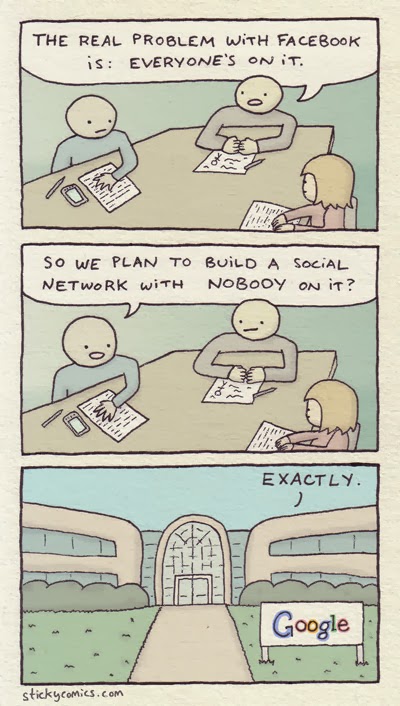
Social Network

Image
http://www.wisecleaner.com

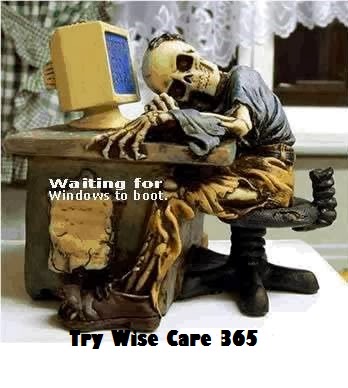
Wise Care 365

Image
http://www.wisecleaner.com